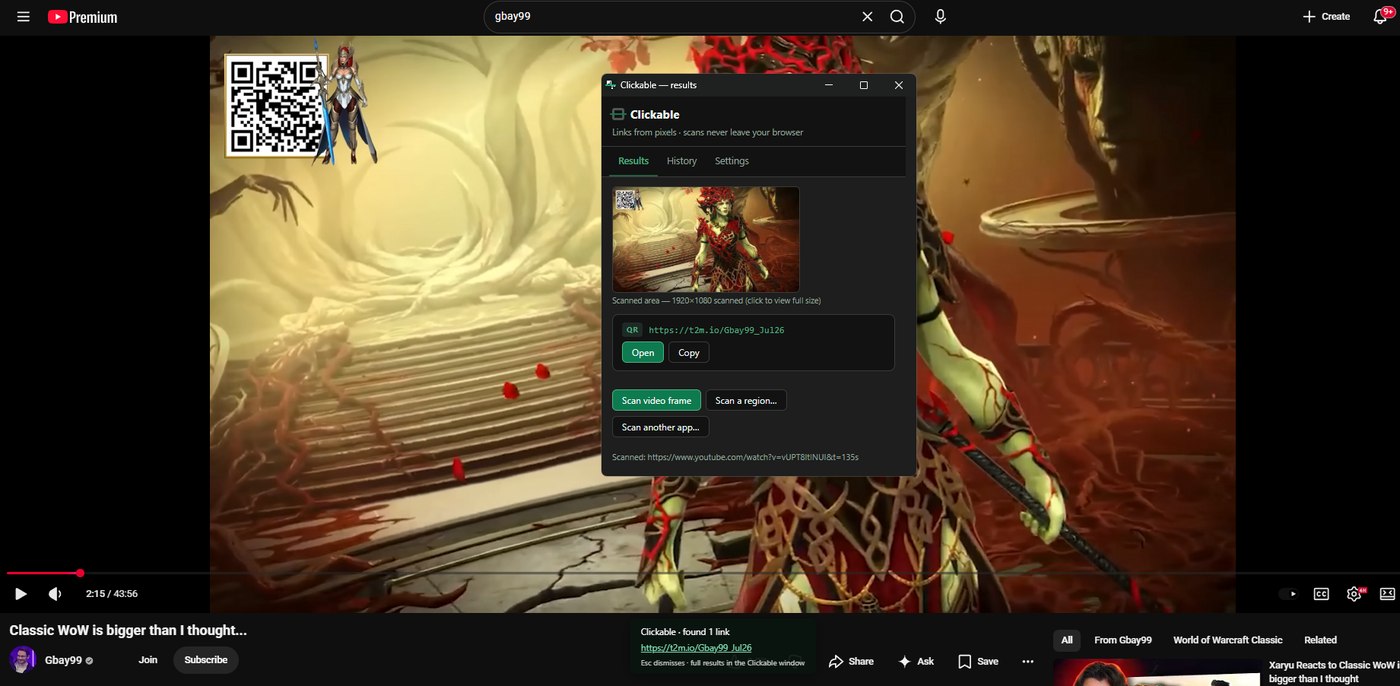
A URL burned into a YouTube video. A QR code on someone's screen during a call. A link in a Discord screenshot. Clickable finds them and makes them clickable — right from the pixels, with nothing sent anywhere.
What it does
Scan anything on screen
Images, video frames, drag-selected regions, even other apps via screen share — one hotkey each.
QR + text URLs
Fast, reliable QR decoding plus local OCR (including a neural engine) for burned-in text links.
Nothing leaves your browser
No backend, no accounts, no analytics. Verifiable in DevTools — zero network requests during a scan.
Built to be checked
Every scan shows you exactly what it read, at full resolution — reopen any past scan from your history.
See it in action
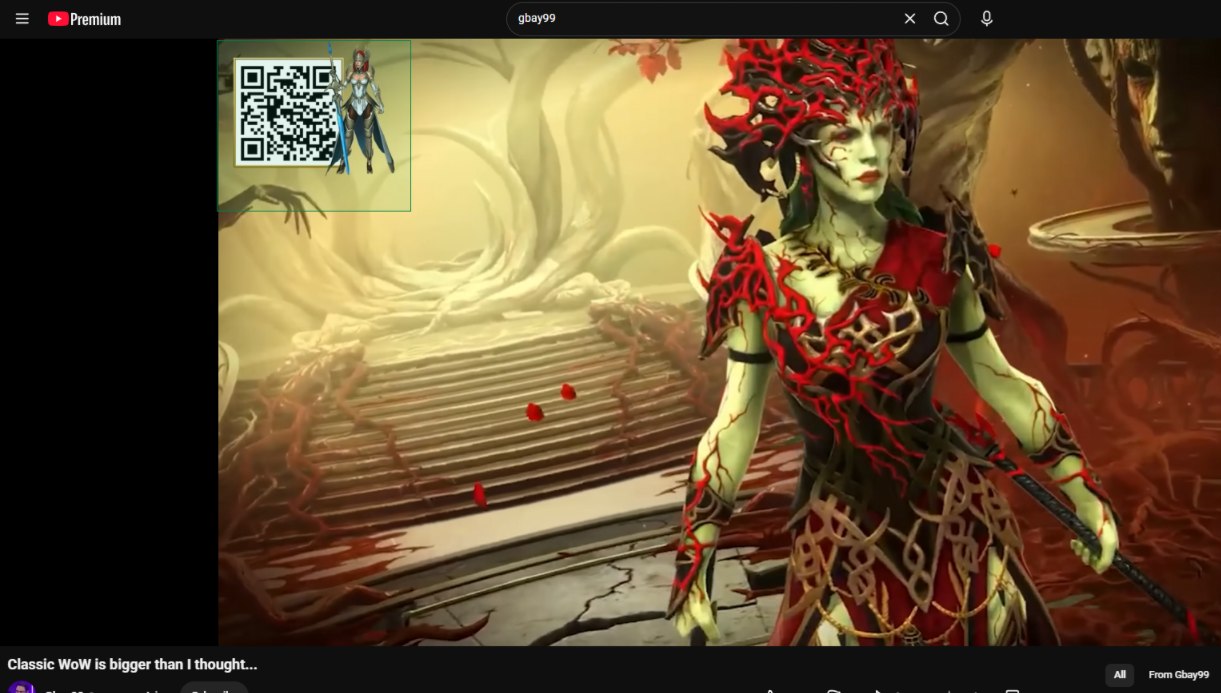
Drag a box around anything
Don't want to scan the whole frame? Select just the part with the code or the link — a screenshot someone sent you, a slide in a stream, a sign in a photo.
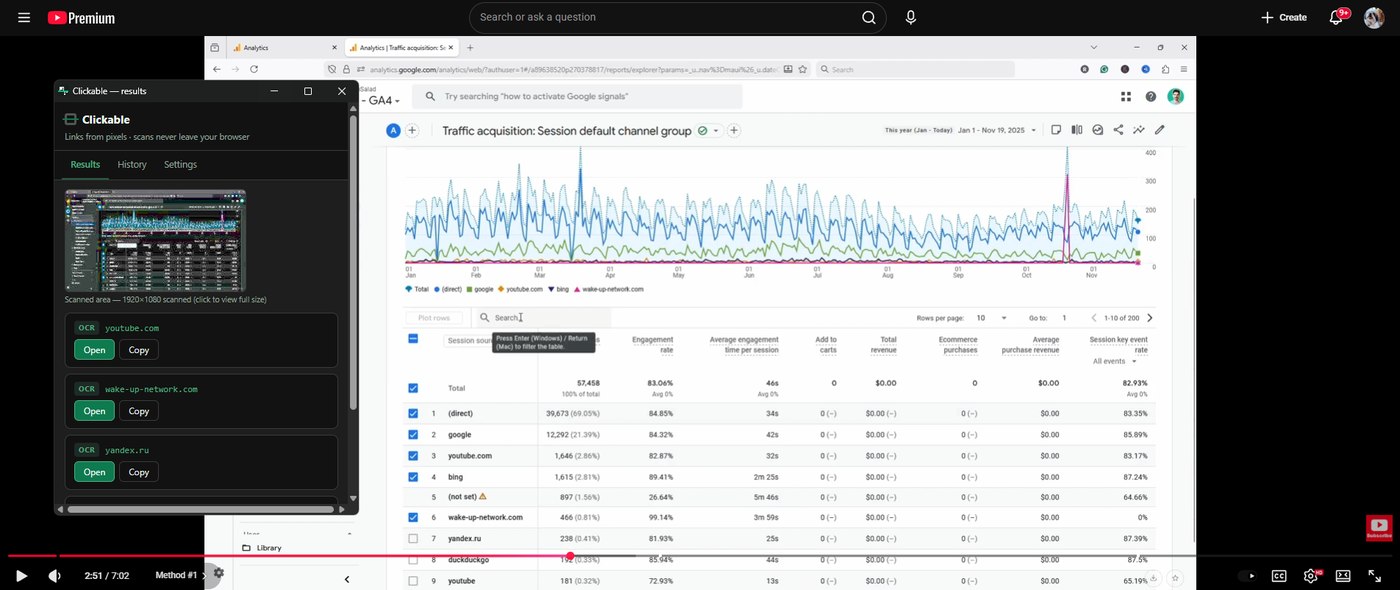
Reads text, not just QR codes
Local OCR finds real URLs in whatever's on screen — a table, a caption, a burned-in link in a video — and leaves plain words alone. Every scan also shows the exact area it read, at full resolution.
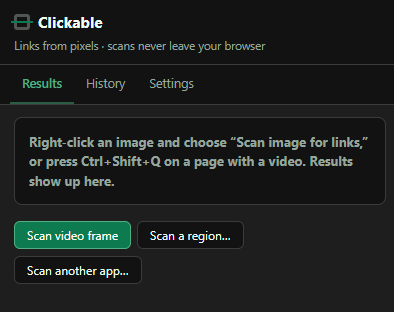
Three ways to scan
A hotkey for the current video frame, a drag-select for a specific region, or hand it a whole other window or app — screen shares, Discord calls, anything on your desktop.
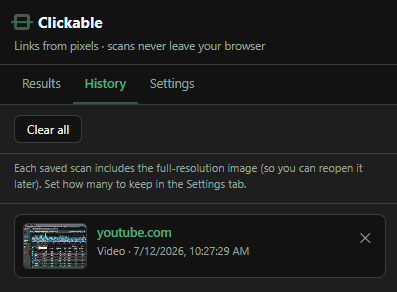
History that's actually useful
Every scan is saved locally, full resolution, so you can reopen it later — not just the link, the exact image that was read. Delete what you don't want, keep what you do.
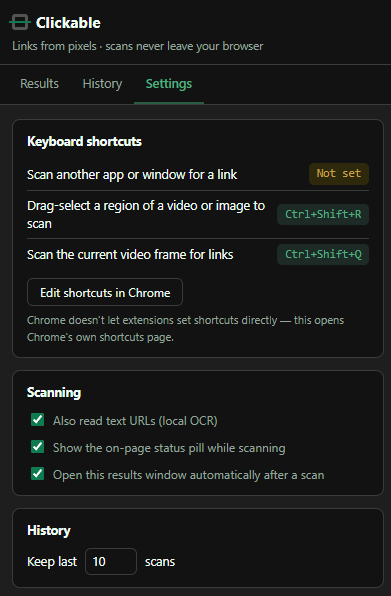
Configurable, not fiddly
Set your own shortcuts, turn OCR on or off, decide whether results open automatically, and control exactly how much history sticks around.
Support
Clickable is free. If it's been useful, you can buy me a coffee — totally optional, nothing in the extension is ever locked either way.